How to play in a Lore & Play campaign: your characters, your campaign page, the live table your DM runs, and rolling dice everyone can see. Screenshots come from a real campaign — The Web Walkers of Bradfordshire — seen through the eyes of the player Maria, who plays the druid Ioanna.
As a player you get a focused view of Lore & Play: your characters, the campaigns you play in, and the live battle maps your DM publishes. No prep screens, no spoilers — just your side of the table.
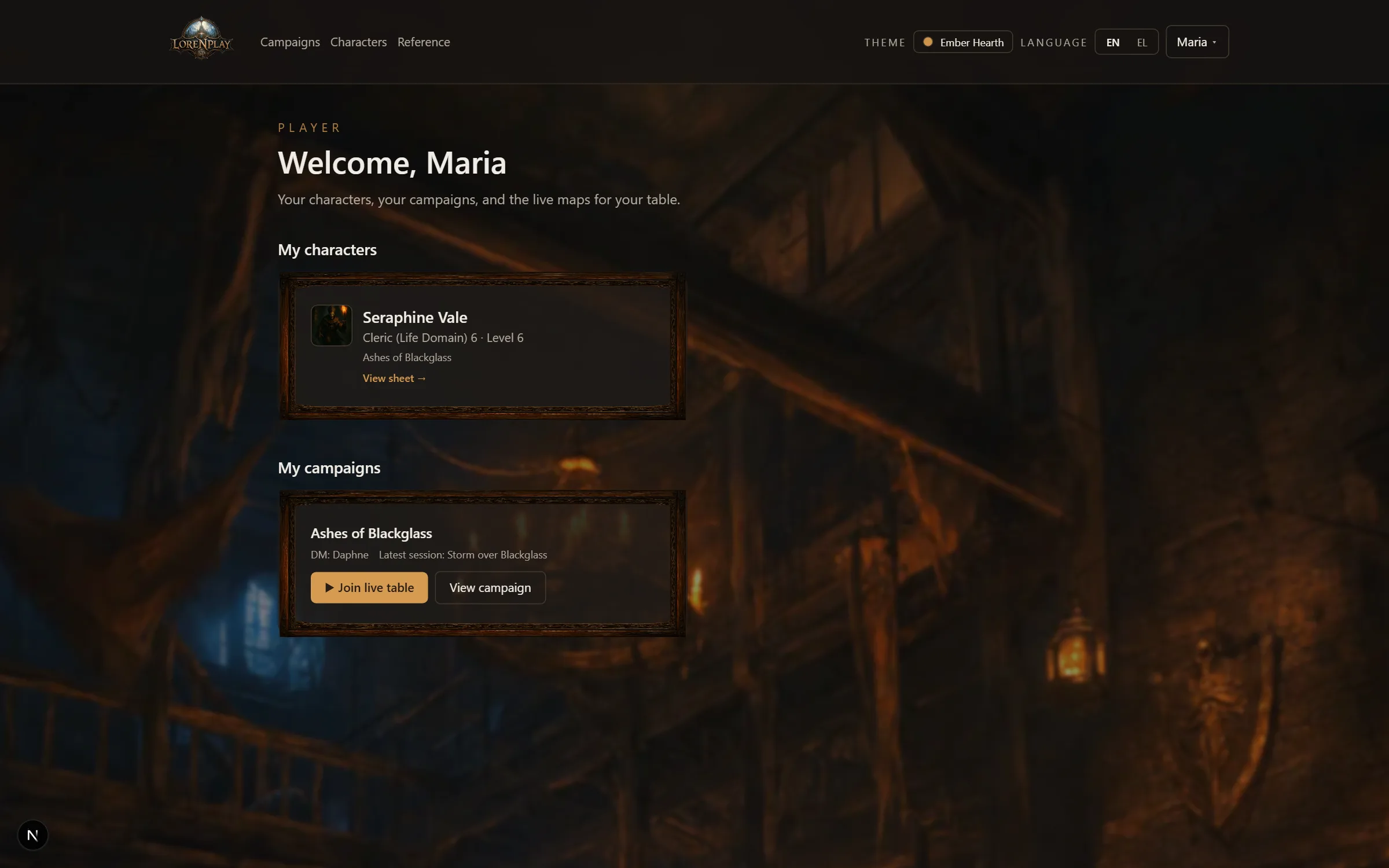
Characters your DM assigned to you appear on your home page — a library: tonight's game is an open book at the top, in the cover its DM chose, with your notebook of invitations beside it; your characters and your other games stand on the shelves below (each game's book has Join the table and Open). Open a character's book to see the full sheet — the same live sheet your DM sees.
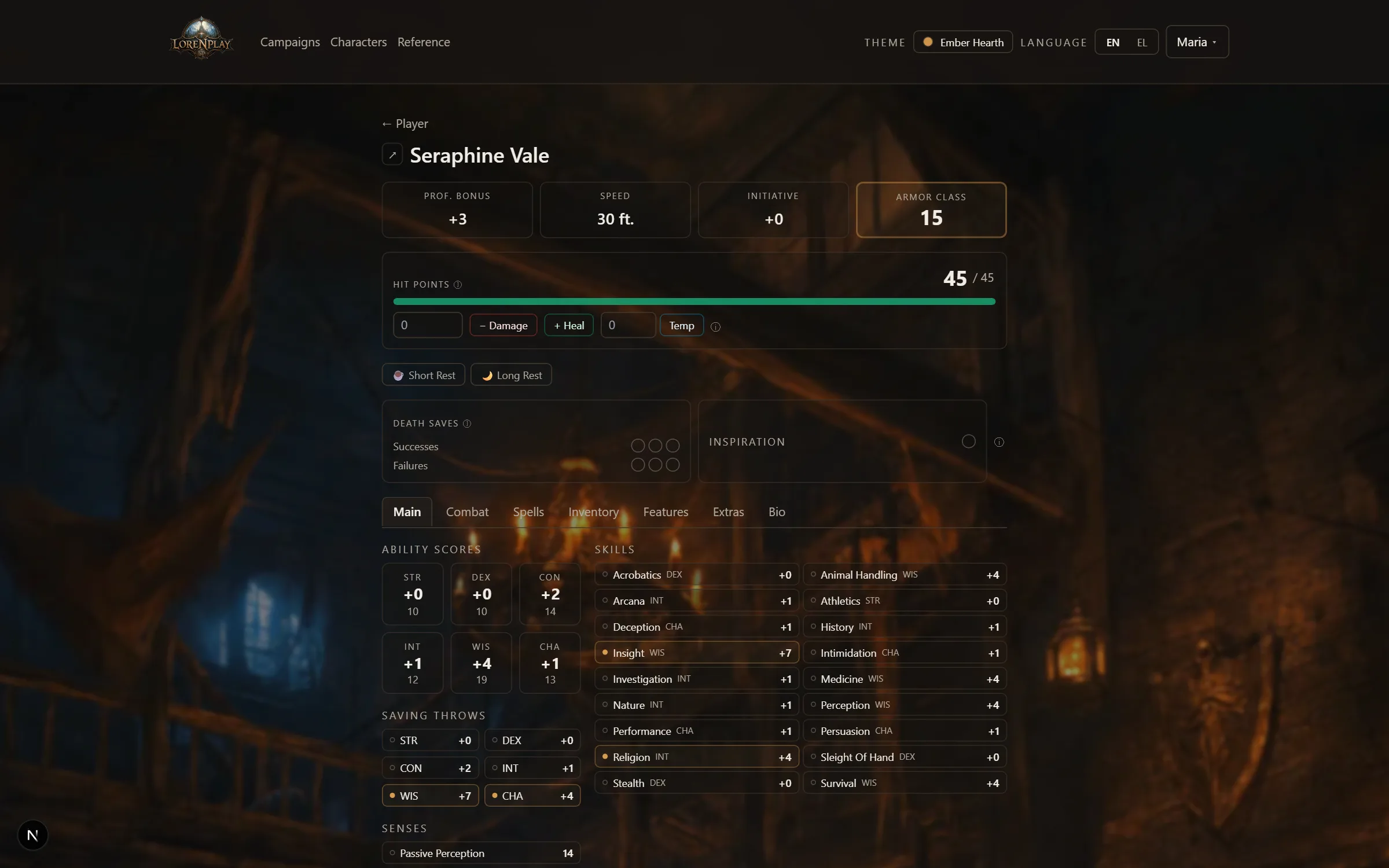
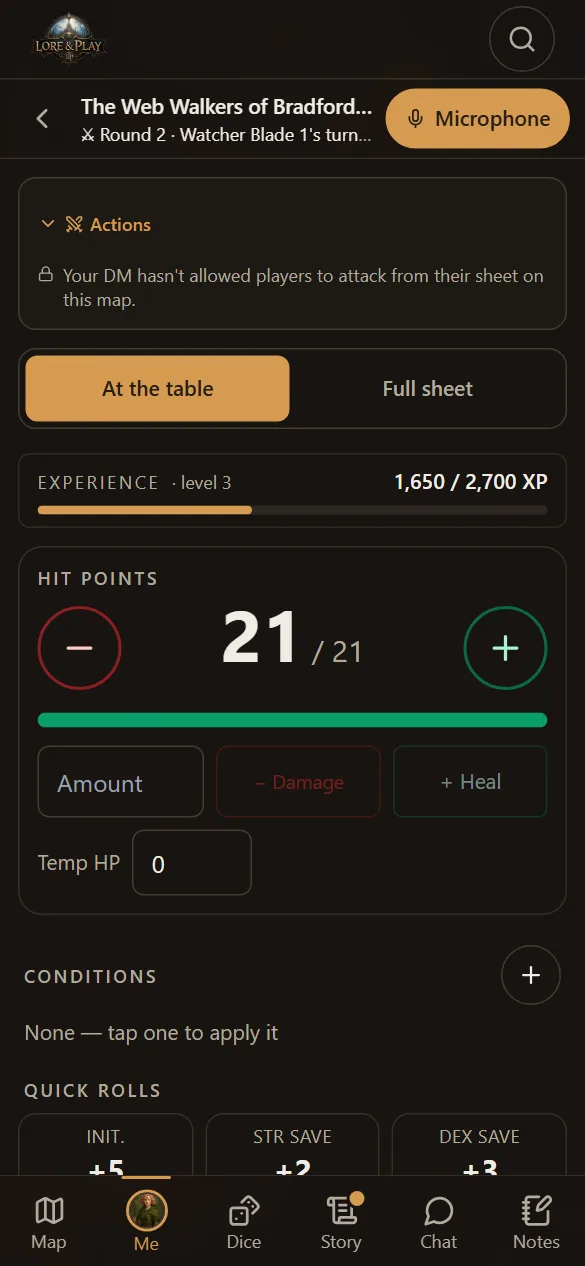
How you level up depends on your campaign. In most you press Level up whenever you like. In a milestone campaign your DM grants each level; in an experience points campaign your sheet shows your XP and a bar to the next level (900 / 2,700 XP), and your DM awards the XP. Either way, Ready for level N appears on your sheet and your home the moment a level opens, and Level up goes that far and no further — it tells you why if you try. Only your DM gives XP.
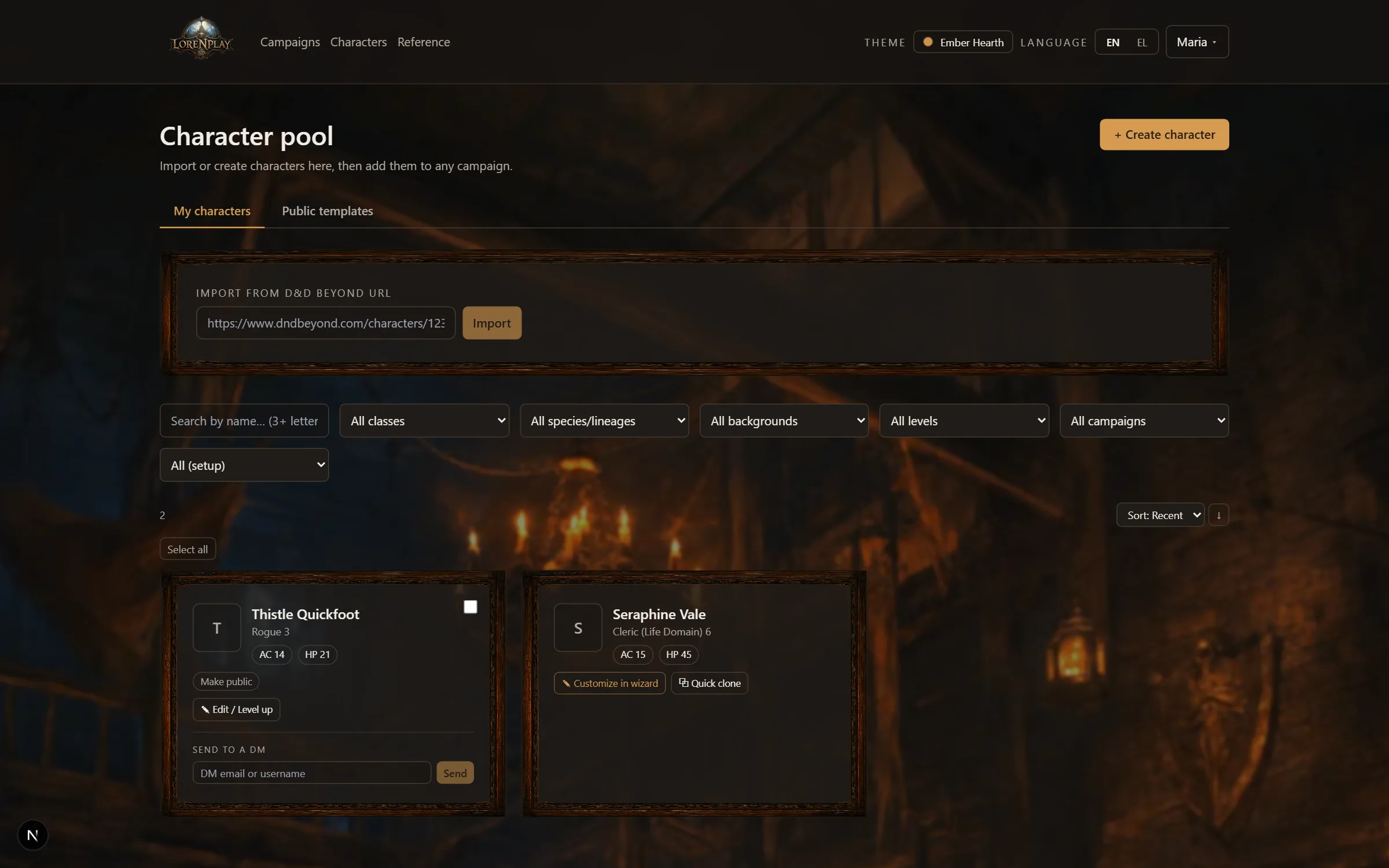
Under Characters you can build a character in the same wizard DMs use — class, species, background, abilities, equipment, spells, all validated against the 2024 rules.
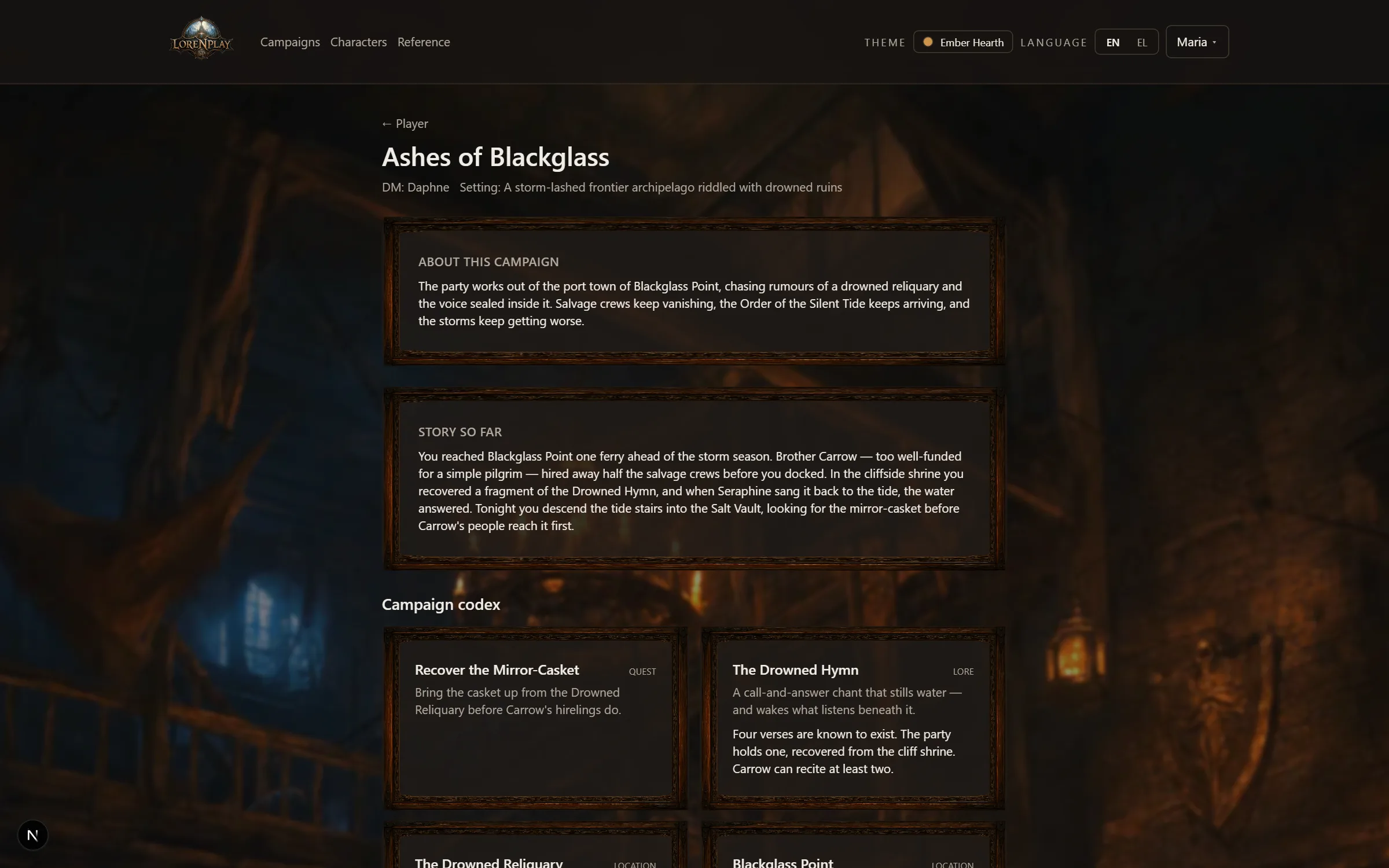
Each campaign you play in has a page: the story so far, your party, and the campaign lore your DM has chosen to reveal.
The codex entries here are the campaign's public memory: people you've met, places you've been, quests on the party's plate. If an entry is missing, your DM hasn't revealed it yet — and DM secrets are never shown to players, ever.
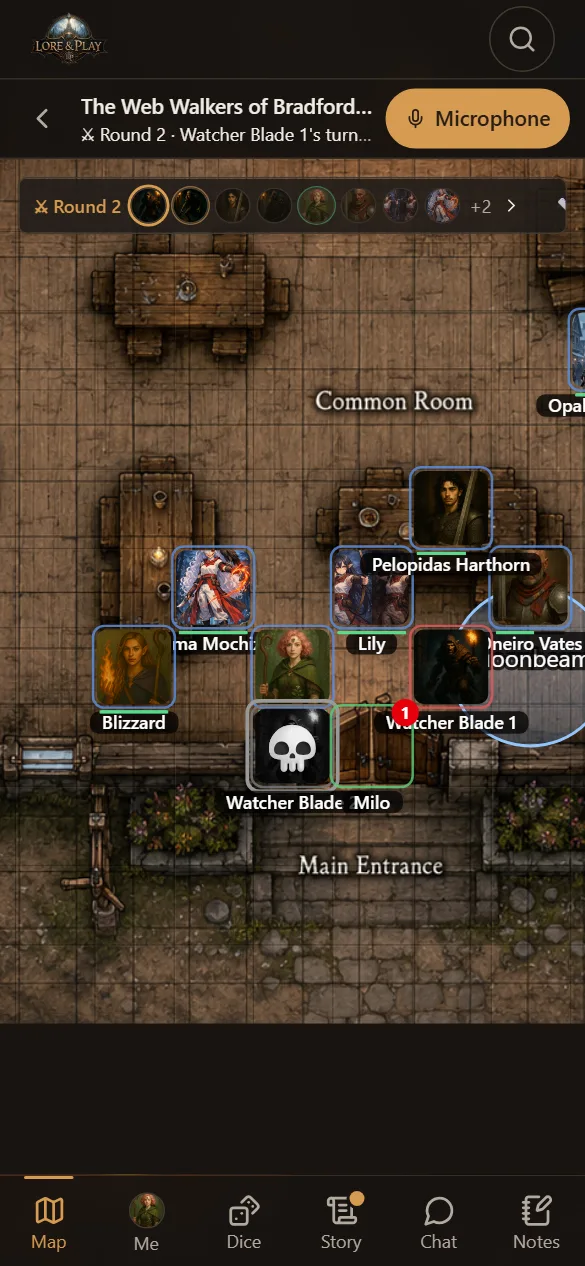
When your DM is live, Join the table appears on your home and campaign pages. The live table is your whole evening in one place: the map your DM revealed (the same tokens and dice as everyone else, live), your character, the dice, the story as it is told, the table's chat and your own notes.
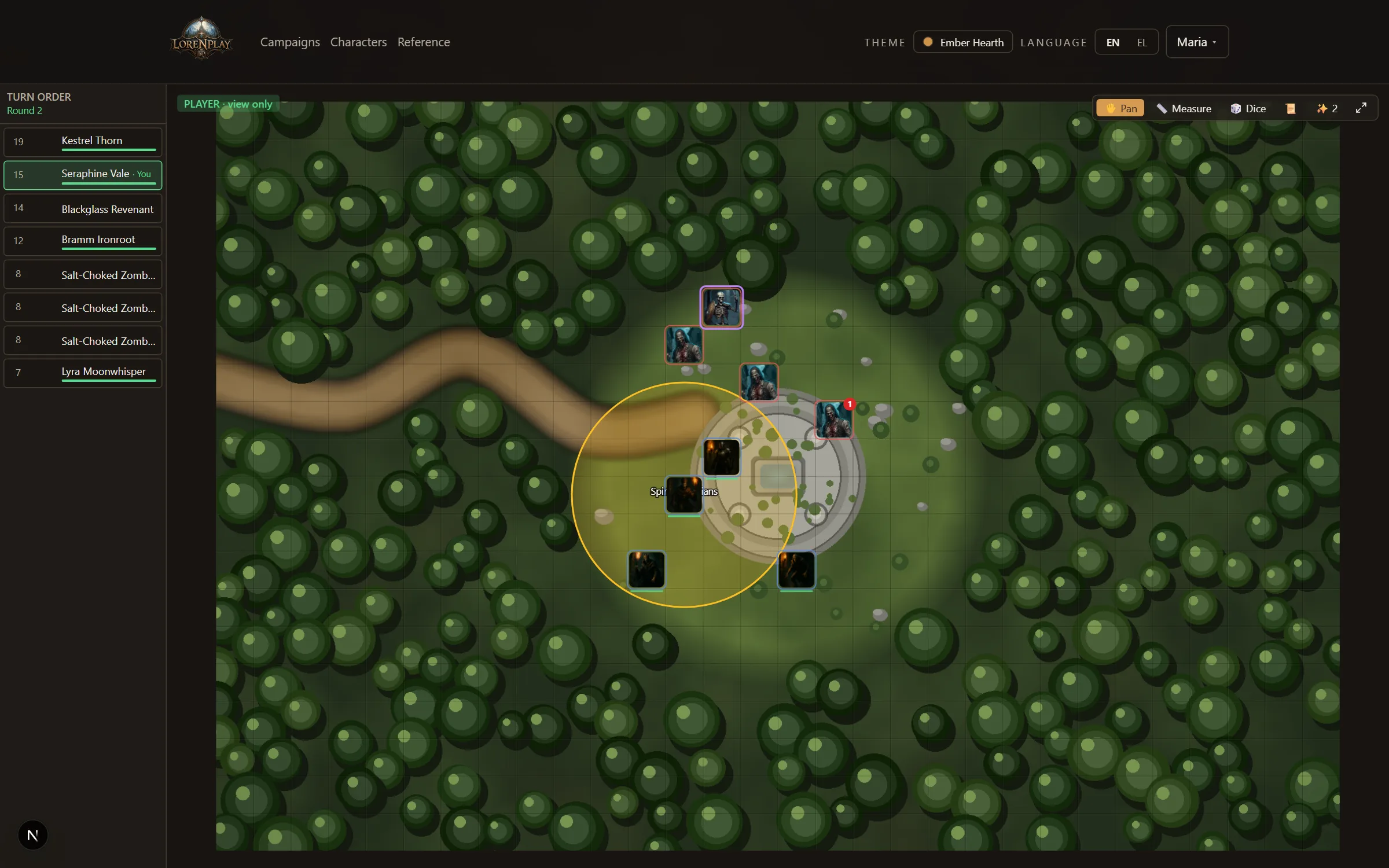
On a computer your sheet is a spiral notepad on the right of the map, so the map keeps its whole width. Me on the right-hand bar opens it; on the map's own page, your portrait does.
On a phone the live table is one screen with a bar of tabs along the bottom. The bar above them says the campaign, the round and whose turn it is, and holds your Microphone when the table records.
| Tab | What's there |
|---|---|
| Map | The revealed map — drag your token, pinch to zoom. A dot on the tab means the battle needs you (your initiative, or your turn). |
| Me | Your character. At the table is the short version for play — XP, HP with big − and +, conditions, quick rolls, your actions; Full sheet is everything. If you play two characters here, switch between them at the top. |
| Dice | Pick dice, add a modifier, roll — everyone sees the same dice land. Your rolls are listed below. |
| Story | The transcript, as the table speaks. |
| Chat | The campaign's chat, with a mark when there is a message you have not read. |
| Notes | Your own notes for this campaign — only you see them. |
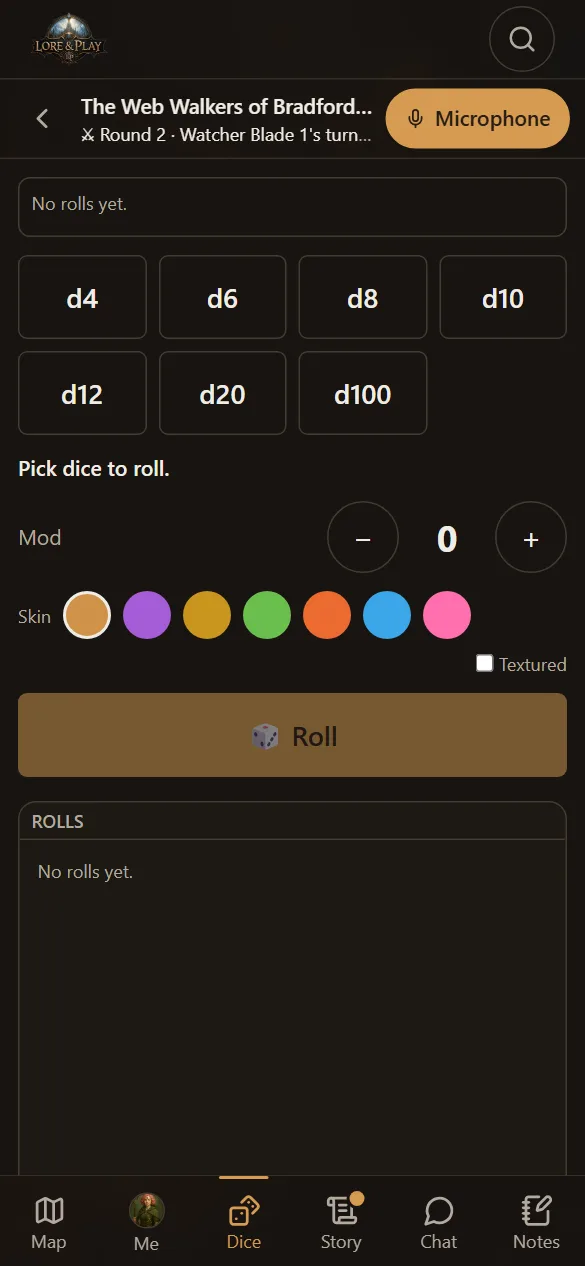
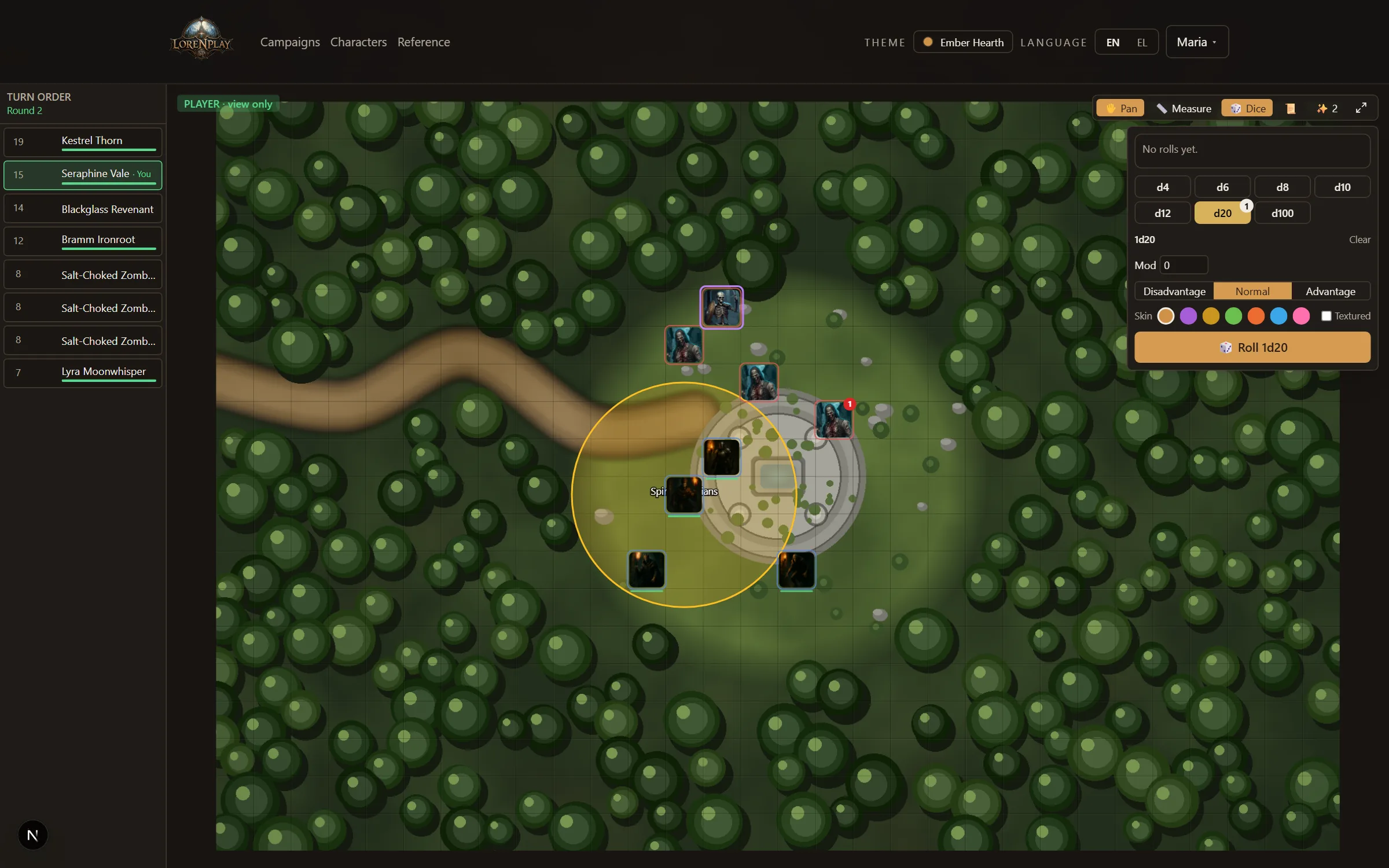
Rolls made on the live table are synchronized: your DM and every other player watch the same 3D dice fall. Rolls made from your character sheet are forwarded to the table too, labeled with your character's name.
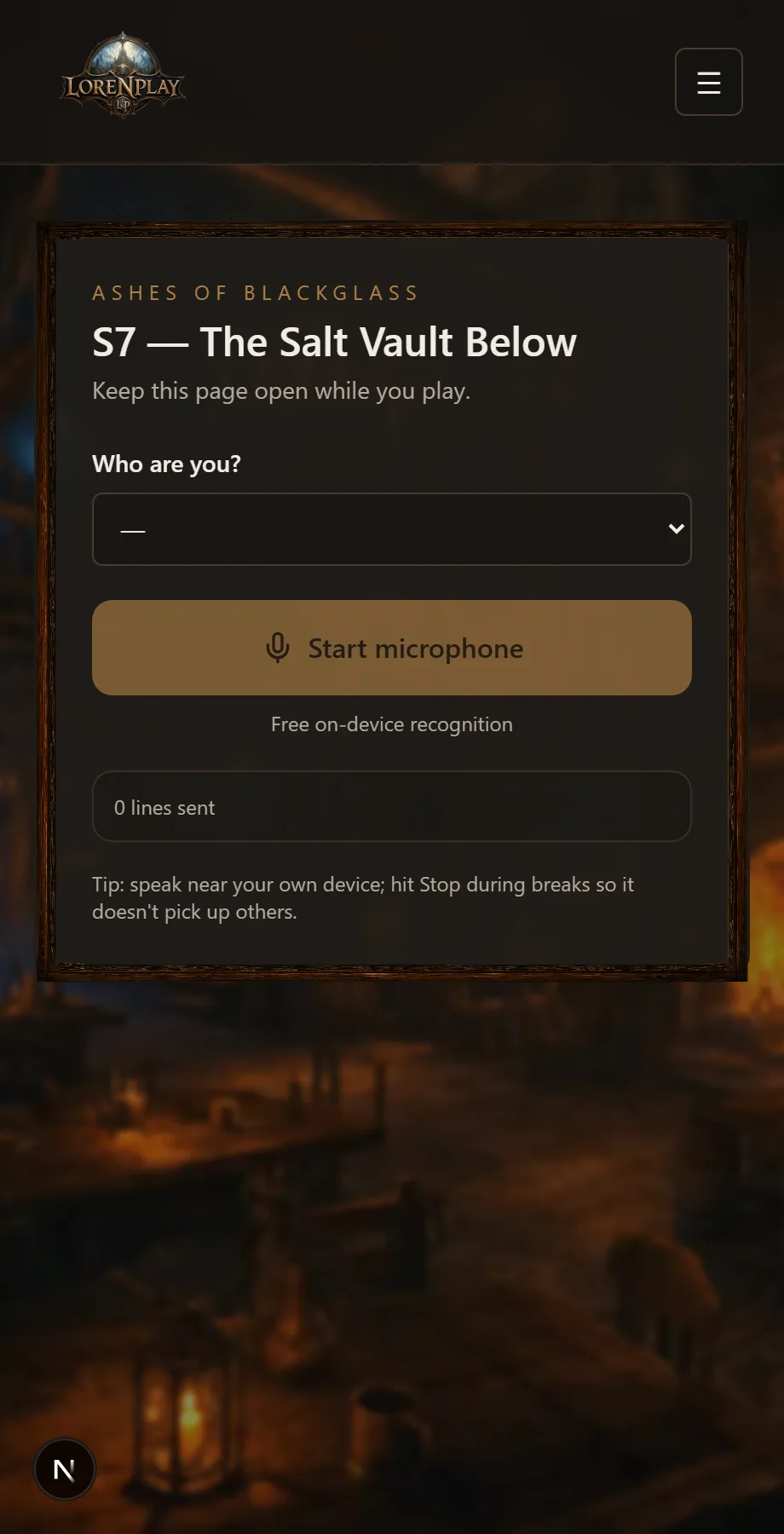
If your table uses live transcripts, open Join live table from *My games* on your phone. When your DM has switched the table's microphones on, there is a button there to open yours. Your name is already filled in from your character, and the speech-to-text happens in your own browser — free, and better than one microphone in the middle of the table. You are asked to agree to being transcribed once, not every time; you can read what you agreed to, and take it back, from Settings.